Photo to Video Ads

Turn product photos into video ad concepts with Image3. Guide a camera move or subtle product motion, then review the clip before adding final brand copy.

Start Frame
End Frame

Image 1 is the first frame; image 2 is the optional last frame. The input image may determine the canvas.

5s
3s15s

Credits will be automatically refunded if generation fails.

Your video preview

Start with one clear action and one camera movement. Your finished video appears here.

Session history
Sign in to see your session history.

Shot guide

Photo to Video Ads: inputs and creative direction

The active provider determines which input modes and settings are available for the shot.

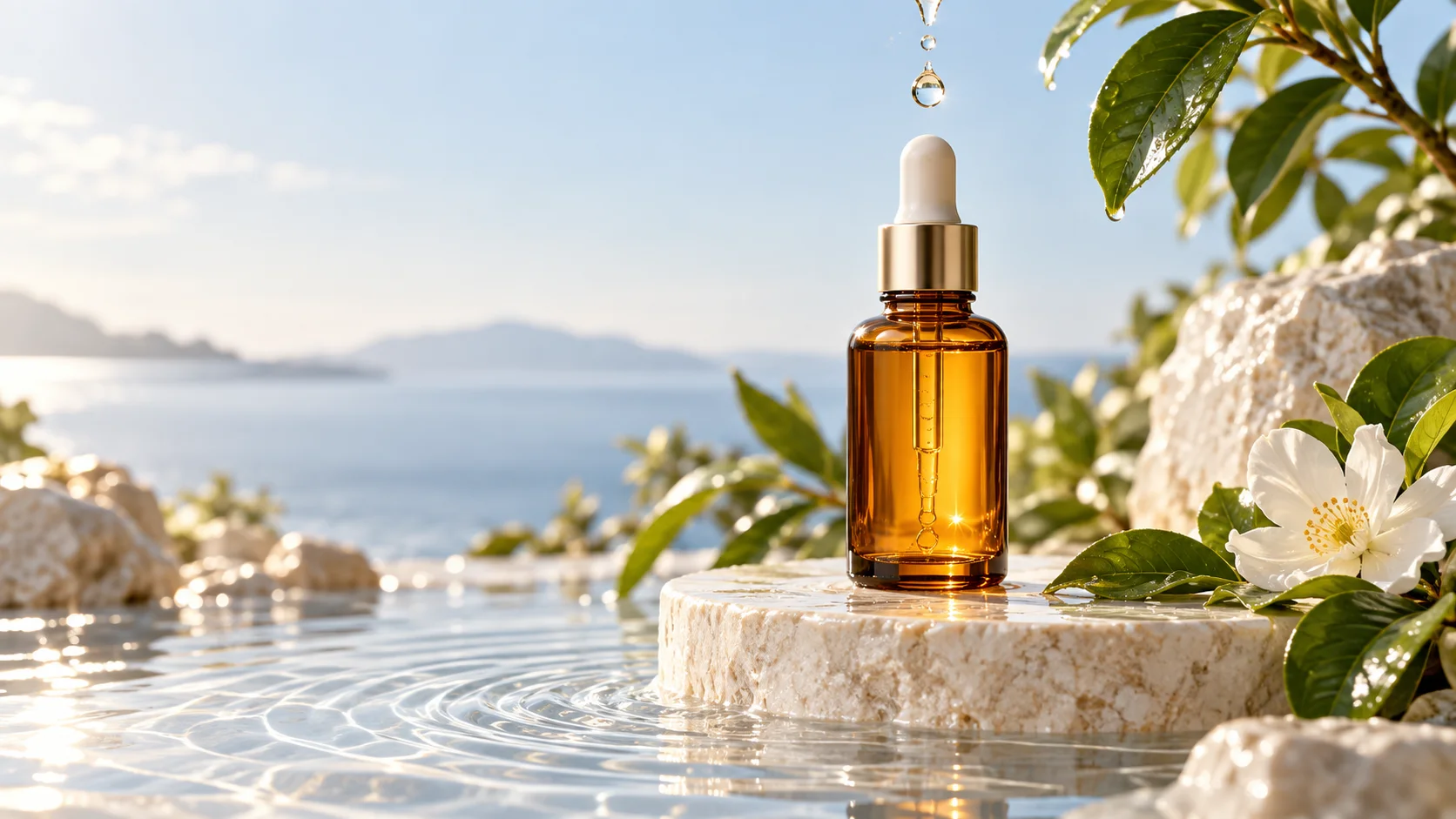
Serum bottle advertising concept with soft studio light and space for copy
Original illustrative concept visual generated for the Photo to Video Ads page; it is not a generated video or verified model output.

Starting point

Prepare the product still

Choose a clean image with legible packaging and adequate subject separation. Use only a photo you own or have permission to use.

  • Testing a motion direction for a product still before completing the ad in a video editor.
  • The motion is deliberately small so packaging remains a visible anchor; any exact label or logo must be checked against the source.

Shot brief

Serum product motion brief

The motion is deliberately small so packaging remains a visible anchor; any exact label or logo must be checked against the source.

  • Example brief: “Use the uploaded serum bottle photo as the opening frame. Keep the bottle shape and cap recognizable; a thin water ripple moves around the base as the camera slowly pushes in, pale blush studio light, leave clear space above for later copy, no lettering.”
  • Use one principal action and a camera direction to keep the shot easy to review.

Output settings

Check the active model controls

Use an image-to-video mode supported by the selected provider. Duration, canvas, output tier, audio, and image limits can differ.

  • Check the package outline, label, reflections, framing, and duration. Add approved brand assets, legal copy, and the call to action separately.
  • Review the active options and credit estimate before submitting.

Quality check

Review the complete clip

Exact preservation is not guaranteed. Compare frames with the approved artwork and add final typography or logos in a separate design or editing step.

  • Check motion, framing, subject details, readable text, and audio when enabled.
  • Compare the result with the serum product motion brief brief before using it in finished work.

From input to reviewed clip

How to use Photo to Video Ads in Image3

Use the serum product motion brief as a planning reference, then confirm that the selected provider supports your input mode.

  1. 01

    Prepare the product still

    Choose a clean image with legible packaging and adequate subject separation. Use only a photo you own or have permission to use.

  2. 02

    Direct one advertising motion

    Choose a subtle orbit, moving highlight, or environmental motion. Ask for negative space if the edit will add its own text and branding.

  3. 03

    Review the clip in an editing context

    Check the package outline, label, reflections, framing, and duration. Add approved brand assets, legal copy, and the call to action separately.

  4. 04

    Review and refine the clip

    Exact preservation is not guaranteed. Compare frames with the approved artwork and add final typography or logos in a separate design or editing step.

Image3 Pricing & Credit Packs

Choose a monthly plan, save 50% with annual billing, or add credits with a one-time pack.

Save 50%

Basic

Great for getting started

$19$9.50/month
$228$114 billed yearly2,400 credits/year

Auto-renews · Cancel anytime


Includes

  • AI Image Generation & Editing
  • GPT Image 2 & Nano Banana 2
  • Watermark-free downloads
  • All style templates included
  • Priority generation queue
  • Basic customer support
  • Early roll-out of new features
  • Commercial Use License
Popular
Save 50%

Pro

Best for regular creation

$39$19.50/month
$468$234 billed yearly12,000 credits/year

Auto-renews · Cancel anytime


Includes

  • AI Image Generation & Editing
  • GPT Image 2 & Nano Banana 2
  • Watermark-free downloads
  • All style templates included
  • Priority generation queue
  • Priority customer support
  • Early roll-out of new features
  • Commercial Use License
Best Value
Save 50%

Max

Built for high-volume production

$99$49.50/month
$1,188$594 billed yearly36,000 credits/year

Auto-renews · Cancel anytime


Includes

  • AI Image Generation & Editing
  • GPT Image 2 & Nano Banana 2
  • Watermark-free downloads
  • All style templates included
  • Highest priority generation
  • Priority customer support
  • Early roll-out of new features
  • Commercial Use License

Common questions

Photo to Video Ads FAQ

Explore Photo to Video Ads in Image3

The motion is deliberately small so packaging remains a visible anchor; any exact label or logo must be checked against the source. Choose a supported input mode, review the current controls and credit estimate, then create a draft in the video workspace.