Text to Image
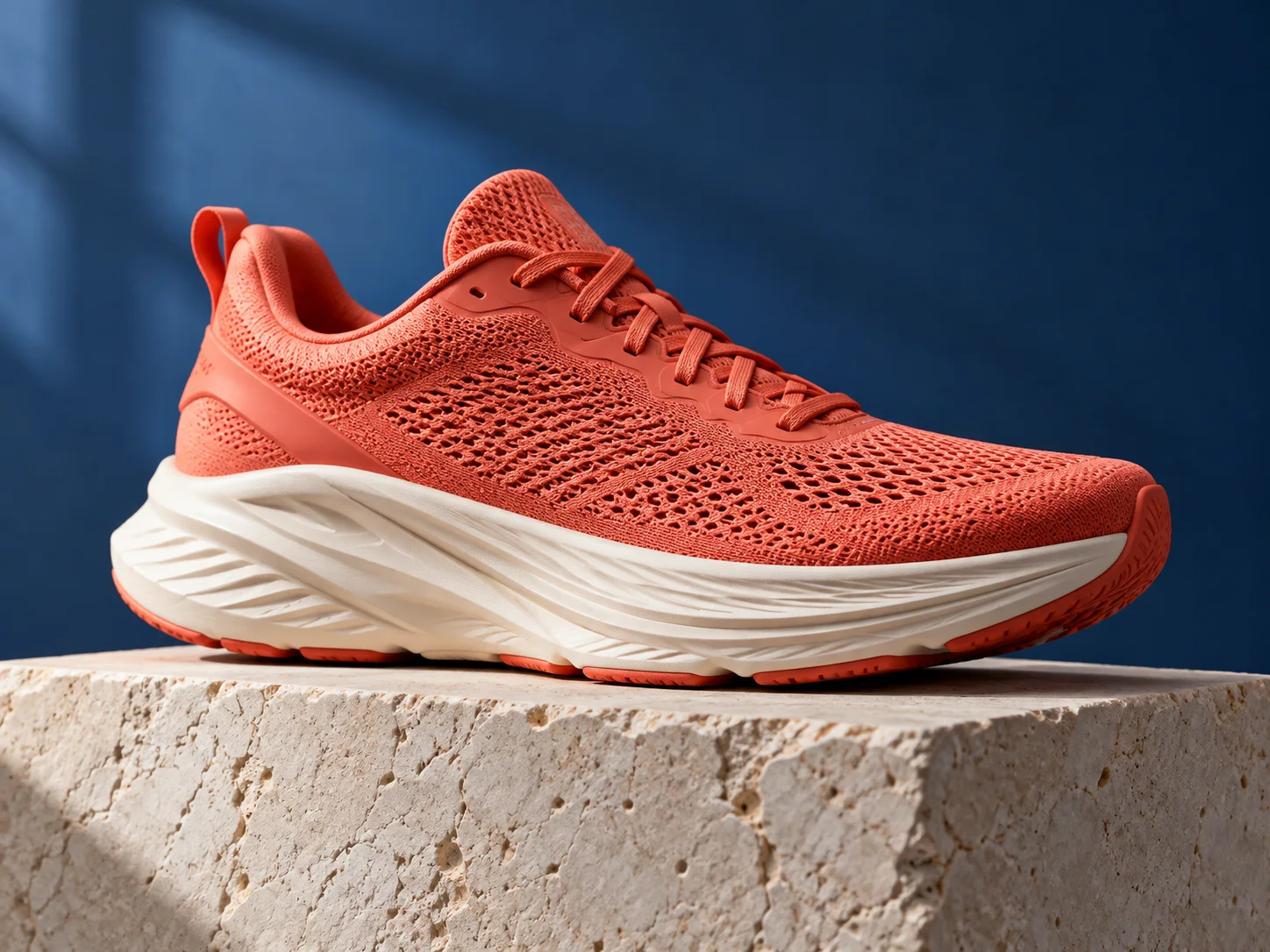
Describe the subject, setting and style to create image drafts for campaigns, products, thumbnails and concepts.
- Start with one clear subject and a visual direction.
- Add useful context such as setting, composition, and lighting.
Create AI images and videos from text or references with Image3. Edit and refine images with available models, then review each result before use.
Describe a visual brief, choose a configured model, and review generated drafts before using them in finished work.
Describe one subject, the setting, composition, and mood.
Add a reference when helpful, then choose an available model and format.
Submit the brief and use the preview to inspect the first interpretation.
Compare the result with your brief, refine what needs attention, then download it.
AI Image Generation and Editing
Create images from text, edit with references and explore visual styles using the models available in Image3.

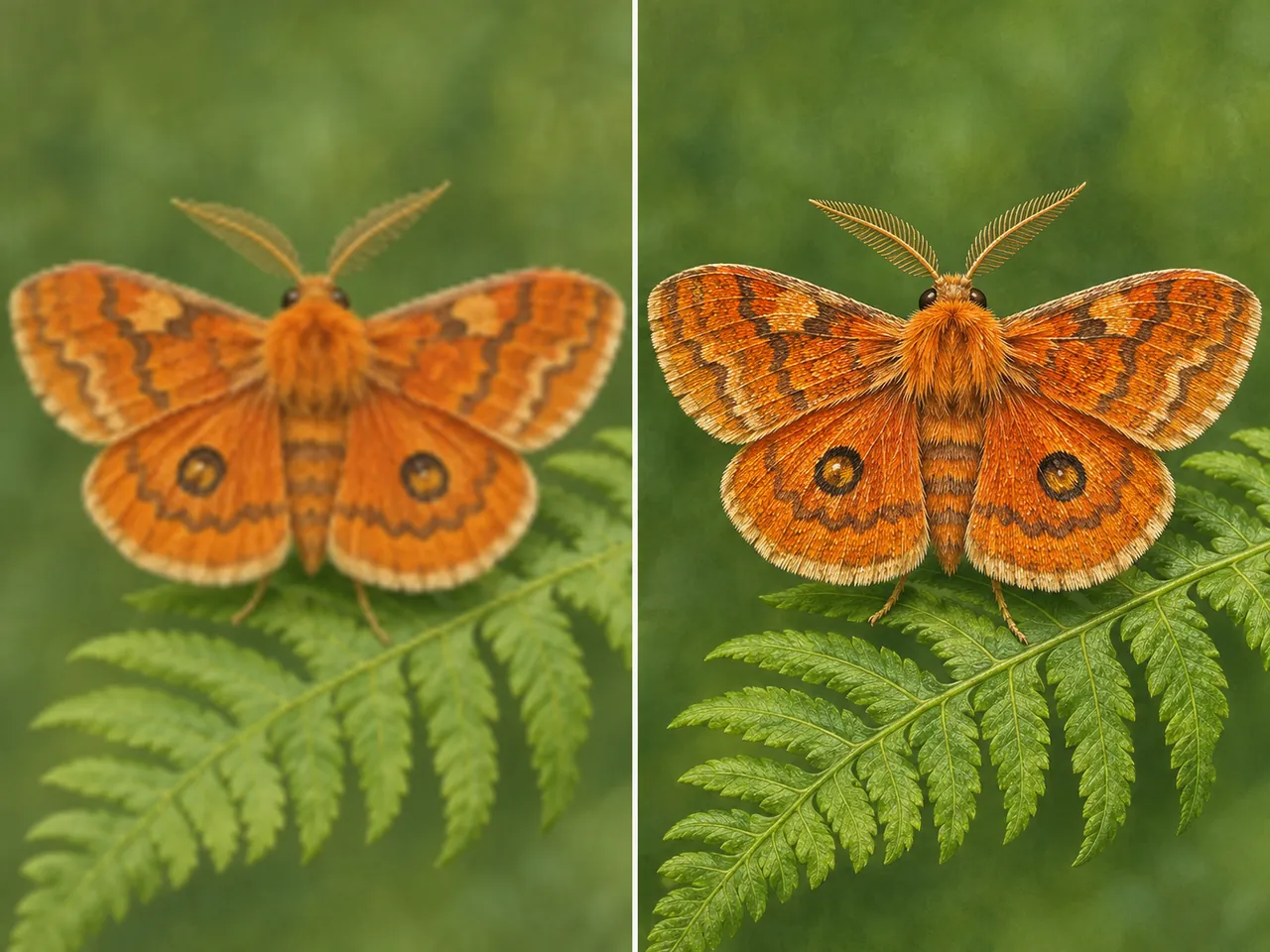
Describe the subject, setting and style to create image drafts for campaigns, products, thumbnails and concepts.

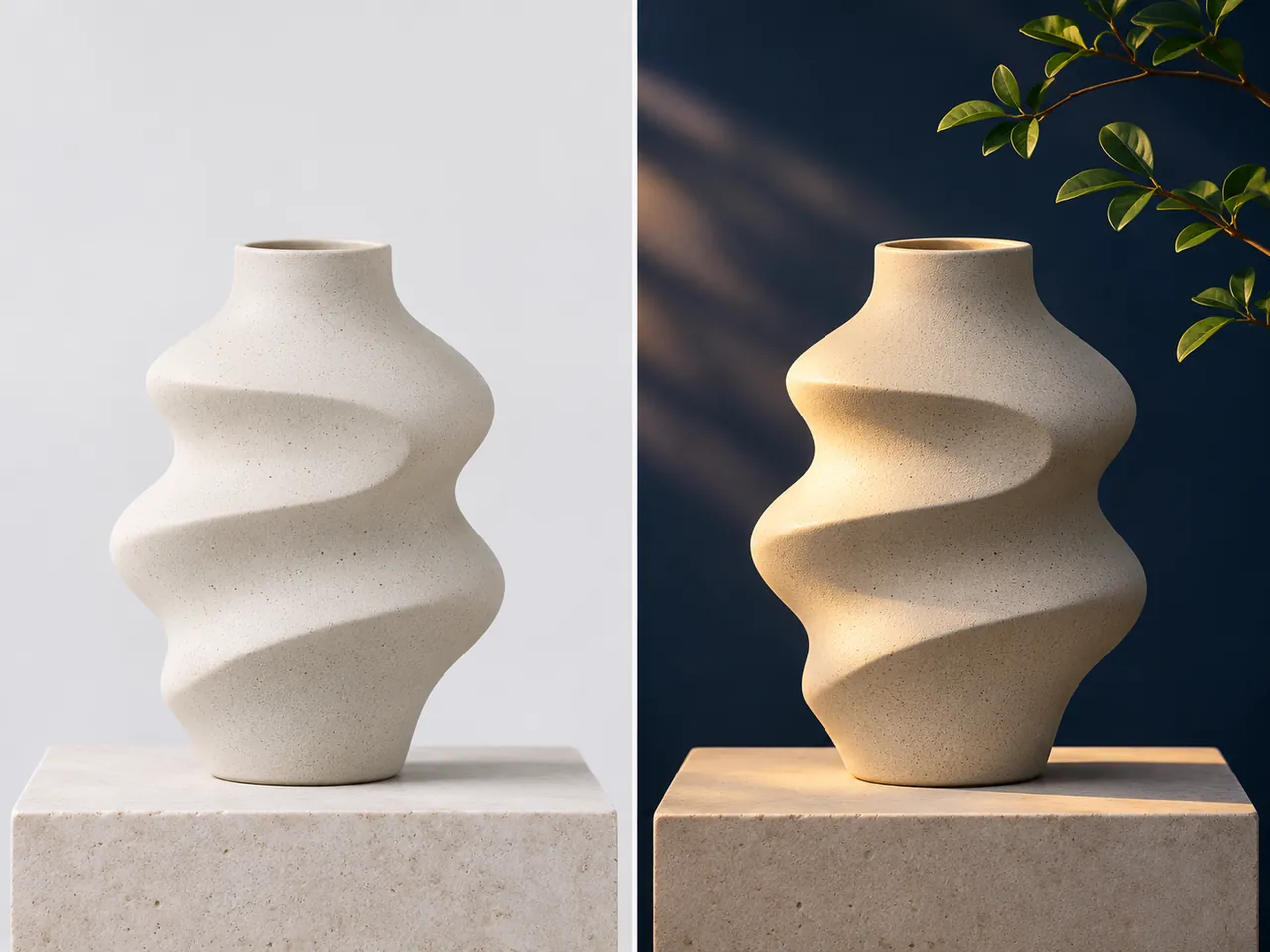
Upload a reference image and describe edits, from background changes to visual style shifts.

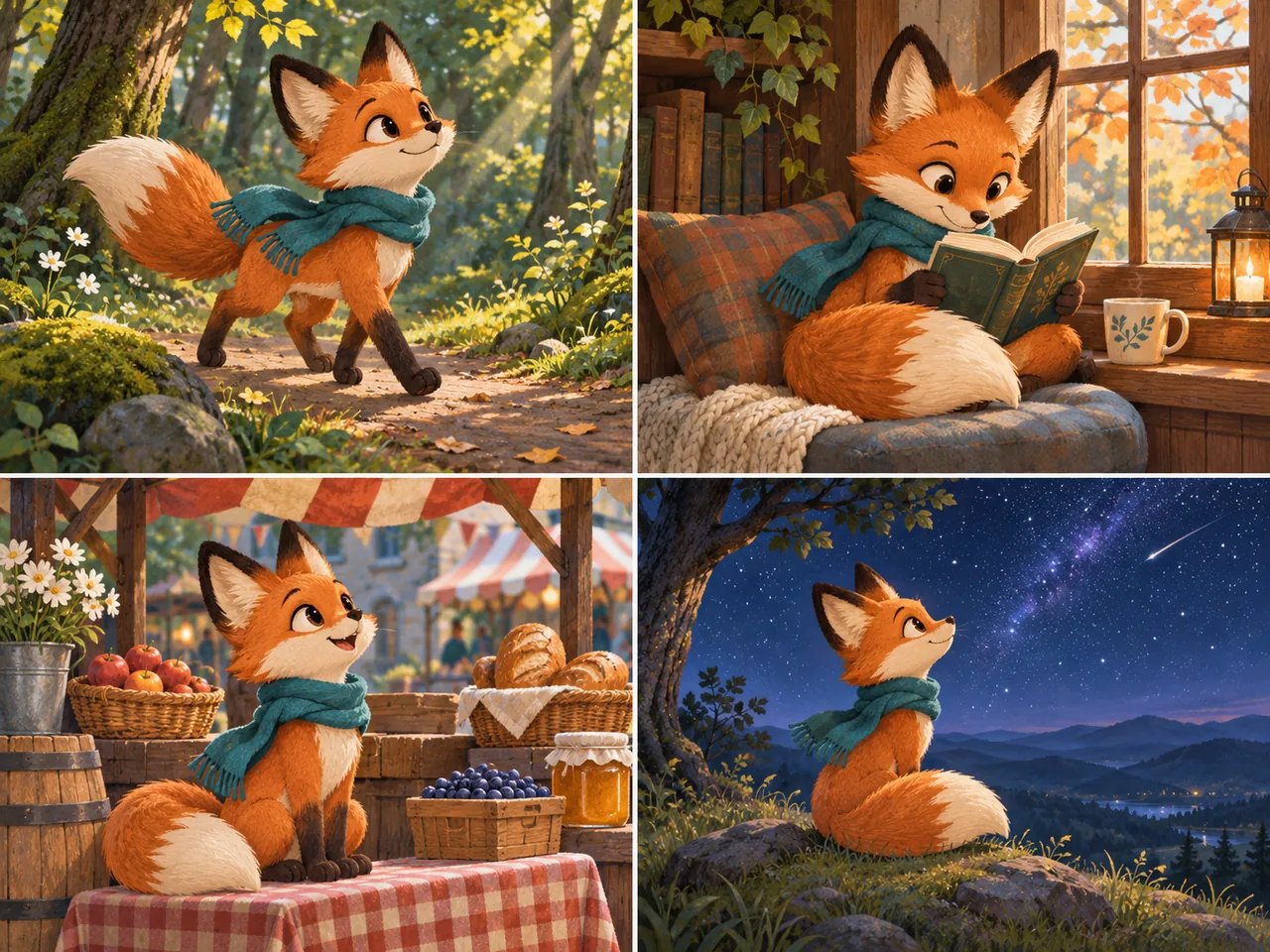
Compare generations made from a consistent written brief. Identity and fine details can vary between scenes and poses.

Choose from the aspect ratios and output resolutions supported by the selected model and provider.
Choose a monthly plan, save 50% with annual billing, or add credits with a one-time pack.
Frequently Asked Questions
Open Image3 and turn a prompt into an AI image draft. No credit card is required to explore the free plan.