Coloring Page Maker

Create coloring page concepts with Image3. Describe animals, plants, or a simple scene, request clear outlines, and review the generated line art before printing.

Prompt Templates
Explore more prompts
Cobalt-blue glass perfume bottle on a pale stone pedestal in a sunlit studio
Prompt Templates

Creative guidance

Coloring Page Maker: examples and practical tips

Create black-line illustration concepts to color

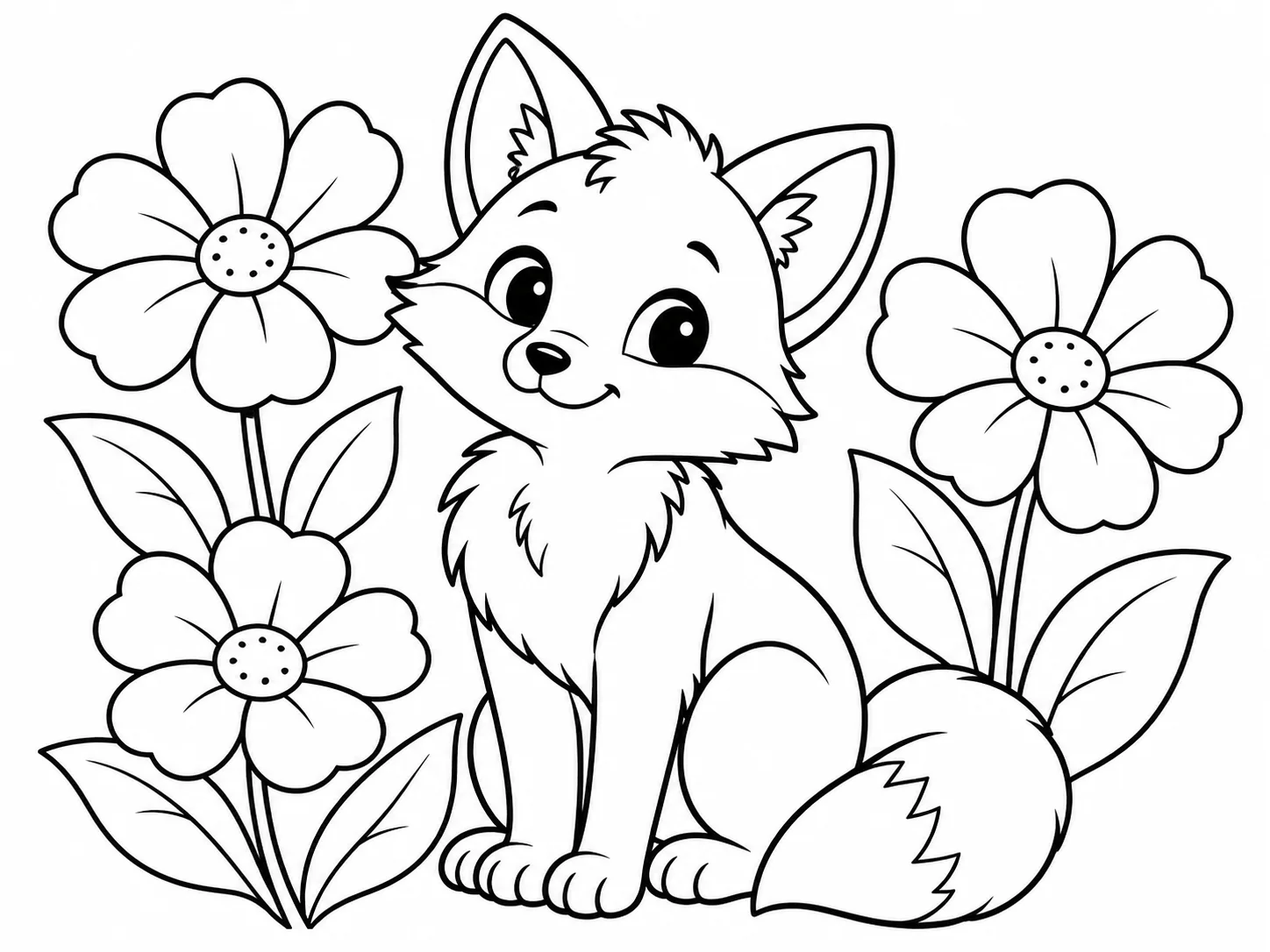
Black-line coloring illustration of a friendly fox sitting among large flowers with wide open areas and no shading
Illustrative coloring-page concept; inspect linework and print clarity before use.

Brief

Fox among garden flowers

Coloring pages are easier to use when they have a clear outline, roomy areas to fill, and few distracting background details. Describe the subject and line weight, and ask for a plain white background. The result is a generated raster image, so check that the lines are closed and dark enough for your printer.

  • Large enclosed shapes and explicit no-shading instructions leave room for coloring.
  • Example prompt: “A friendly fox sitting among three large garden flowers, coloring-page-style black outlines, bold clean closed shapes, generous open spaces, white background, no gray shading, no color, no words.”

Optional input

Use a reference when it adds direction

A reference is optional for this workflow. Add one when it helps guide the subject, composition, or treatment. Limiting the number of subjects helps keep the page open and easy to color.

  • Example prompt: “Simple underwater coloring-page illustration with one sea turtle, two large coral shapes, and bubbles, clear black contour lines, broad empty areas, no crosshatching, plain white background, no text.”
  • A written brief is enough to create a new scene from scratch.

Settings

Choose a practical output format

Select a model and choose the available output settings for the intended placement. Use a portrait crop for a cover or a wide crop for a banner.

  • Inspect small gaps, gray fills, and line consistency before giving a page to children or sending it to print.
  • Review the available settings and credit estimate before submitting.

Review

Review the generated image

Zoom in and print a draft to check line closure, contrast, and page composition. Compare the result with your brief or source before using it.

  • The generator outputs a raster image and does not guarantee vector paths, closed regions, or print-ready page dimensions.
  • Change one part of the brief at a time so each new draft is easier to evaluate.

From brief to reviewed image

How to use Coloring Page Maker

Pick one central subject and keep the background simple. Then shape the result with the subject, style, composition, and details relevant to this workflow.

  1. 01

    Write a visual brief

    Pick one central subject and keep the background simple.

  2. 02

    Set the visual direction

    Ask for bold closed outlines and large open regions suitable for coloring. Use the example prompt above as a starting point, not a required template.

  3. 03

    Choose output and generate

    Avoid gradients, gray shading, tiny repeated patterns, and complex text. Check the current model, output choices, and credit estimate before submitting.

  4. 04

    Review and refine

    Zoom in and print a draft to check line closure, contrast, and page composition.

Image3 Pricing & Credit Packs

Choose a monthly plan, save 50% with annual billing, or add credits with a one-time pack.

Save 50%

Basic

Great for getting started

$19$9.50/month
$228$114 billed yearly2,400 credits/year

Auto-renews · Cancel anytime


Includes

  • AI Image Generation & Editing
  • GPT Image 2 & Nano Banana 2
  • Watermark-free downloads
  • All style templates included
  • Priority generation queue
  • Basic customer support
  • Early roll-out of new features
  • Commercial Use License
Popular
Save 50%

Pro

Best for regular creation

$39$19.50/month
$468$234 billed yearly12,000 credits/year

Auto-renews · Cancel anytime


Includes

  • AI Image Generation & Editing
  • GPT Image 2 & Nano Banana 2
  • Watermark-free downloads
  • All style templates included
  • Priority generation queue
  • Priority customer support
  • Early roll-out of new features
  • Commercial Use License
Best Value
Save 50%

Max

Built for high-volume production

$99$49.50/month
$1,188$594 billed yearly36,000 credits/year

Auto-renews · Cancel anytime


Includes

  • AI Image Generation & Editing
  • GPT Image 2 & Nano Banana 2
  • Watermark-free downloads
  • All style templates included
  • Highest priority generation
  • Priority customer support
  • Early roll-out of new features
  • Commercial Use License

Common questions

Coloring Page Maker FAQ

Try Coloring Page Maker in Image3

Large enclosed shapes and explicit no-shading instructions leave room for coloring. Start with a focused brief and review the generated image against your intended use.